My scanner is officially retired
After years of hauling documents to the office machine, everything goes through my phone now. The pages come out straight, bright, and readable, honestly better than the hardware ever managed.
Snap any page and it comes out a crisp PDF: shadows gone, edges squared, ready to send before a desk scanner would even warm up. Capture whole stacks of pages, drop in a finger-drawn signature, and save as PDF or Word. Made to replace your scanner, not just copy it.
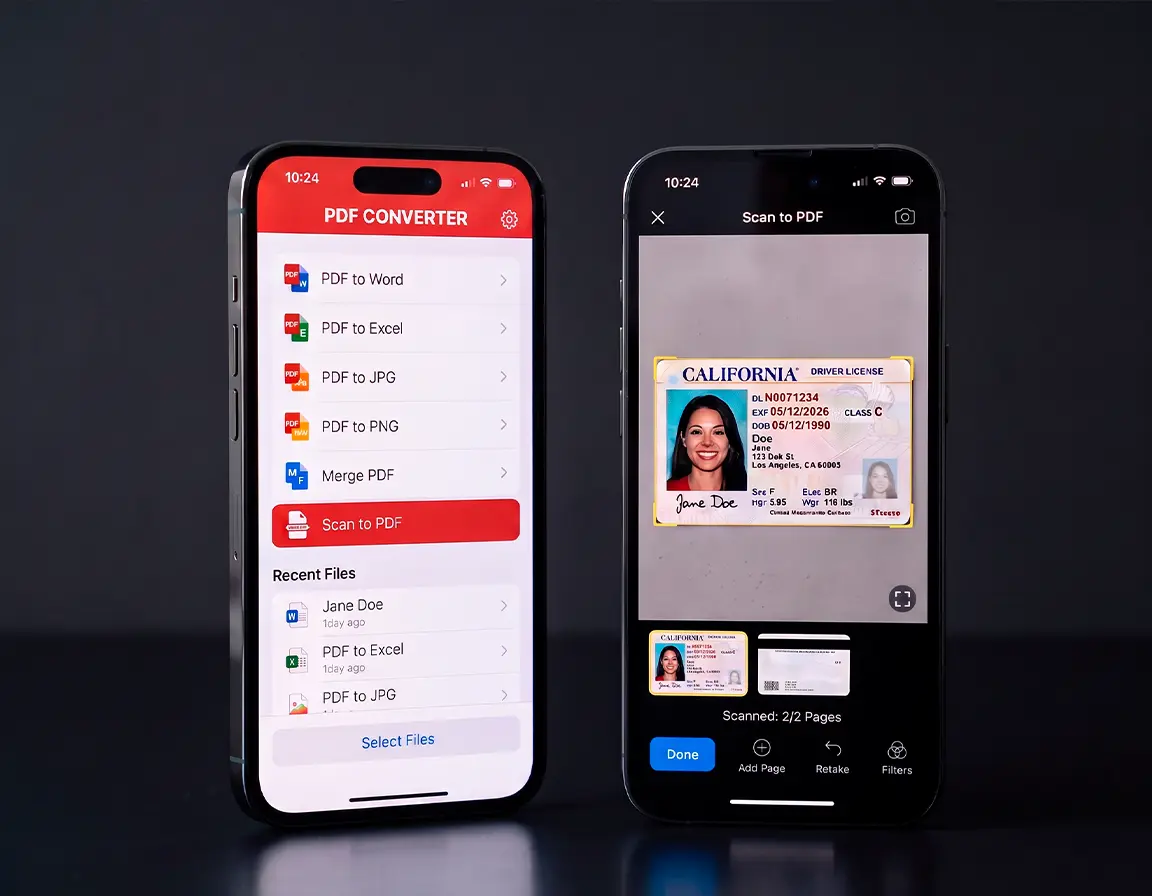
Dokia PDF turns paper into polished digital documents in seconds. Aim your camera at a page and the app finds the edges, flattens the perspective, and cleans up the lighting on its own, so what lands in your files looks professionally scanned, not photographed. No extra hardware, and nothing blurry cluttering your camera roll.
When something needs your signature, draw it right on the screen and send the file off. The print-and-scan ritual is over. Capture long documents page after page, lift the text out with OCR, shrink oversized files, and export to PDF, Word, or image formats for work, school, or wherever they're headed.
3-day free trial, then €9.99/week. Cancel anytime.
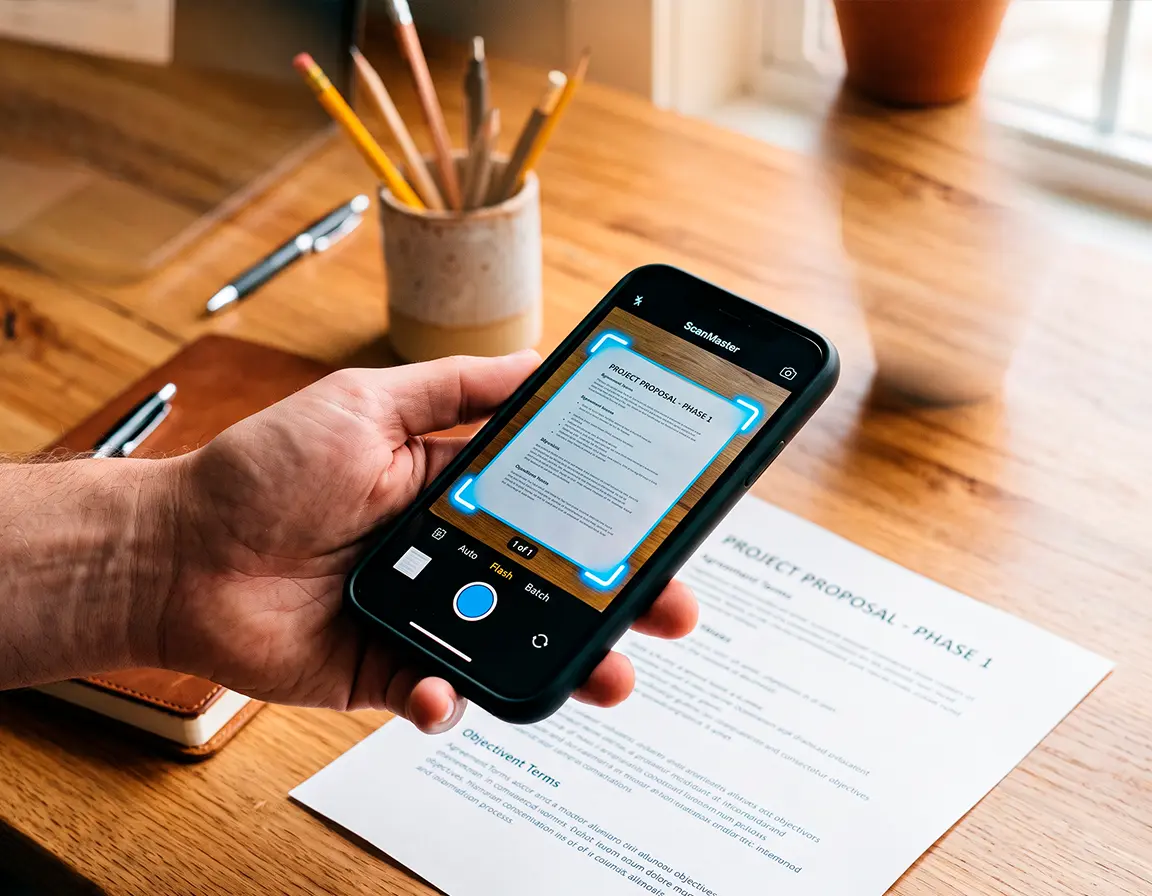
Document Scanning
Hold your phone over any paper and a sharp, neatly cropped PDF appears moments later. Edge detection and lighting correction handle the fiddly part.
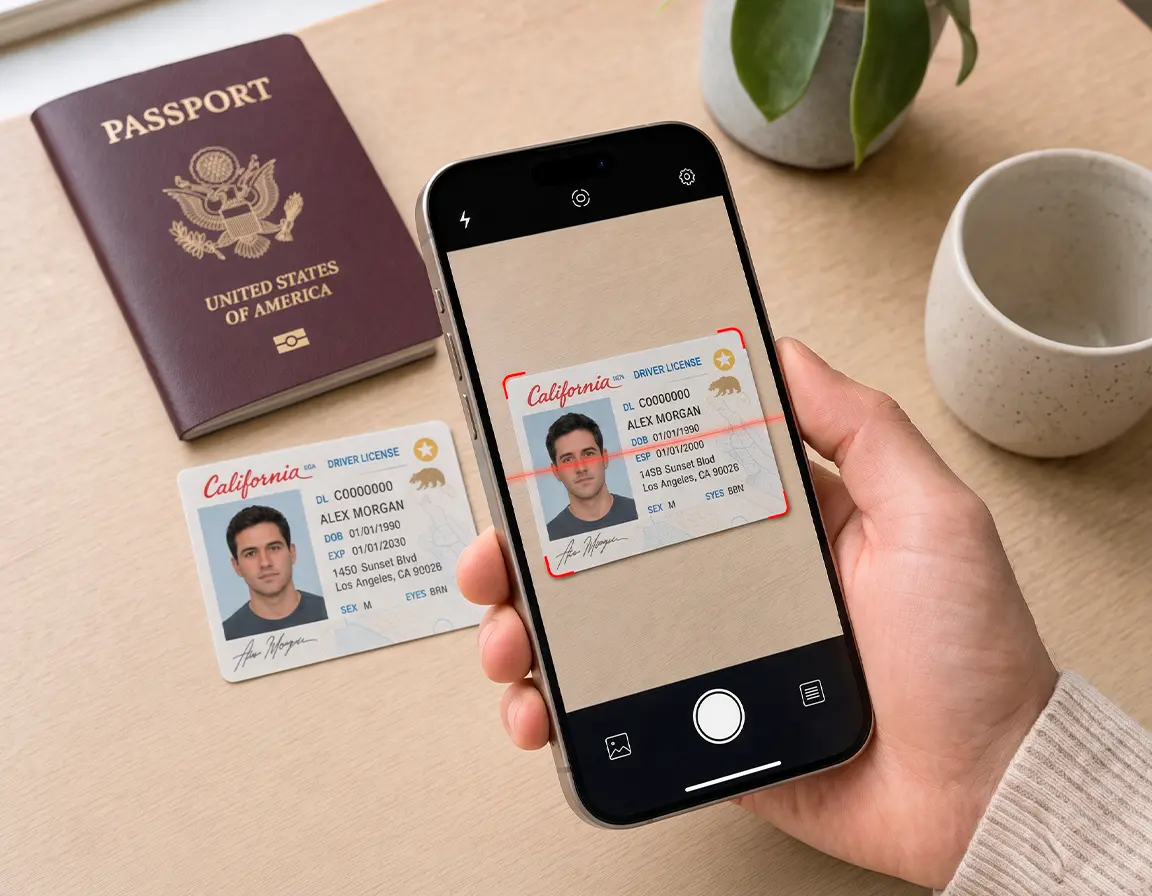
ID Photo Scanner
Digitize cards, passports, and official papers without glare or cut-off corners. Smart cropping keeps every detail legible for copies or printing.
OCR Text Recognition
AI-powered recognition lifts the words off the page, making every scan searchable and editable. Copy a paragraph out of a printout in seconds.
PDF Editor
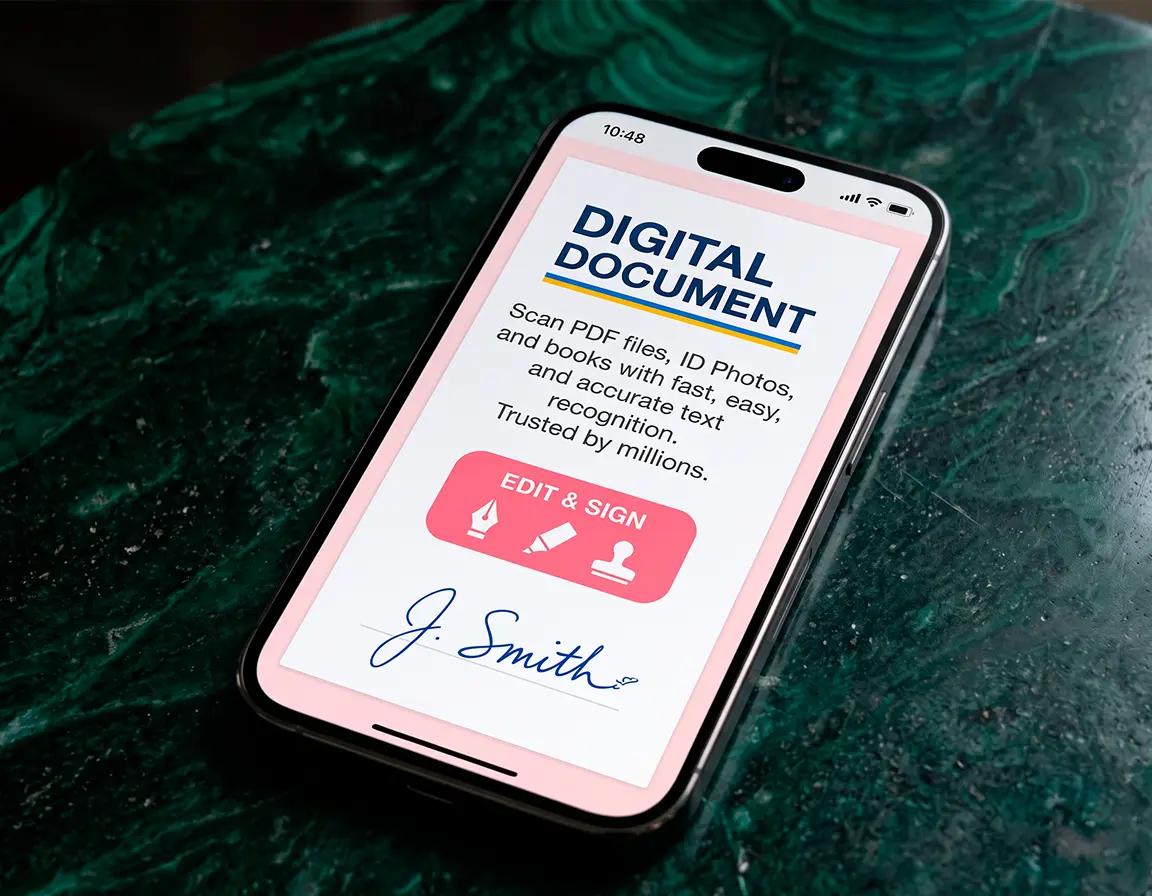
Drop signatures, highlights, notes, and stamps onto any PDF. Combine files, split them apart, shuffle pages, and your documents leave your phone ready to go.
AI Enhancement
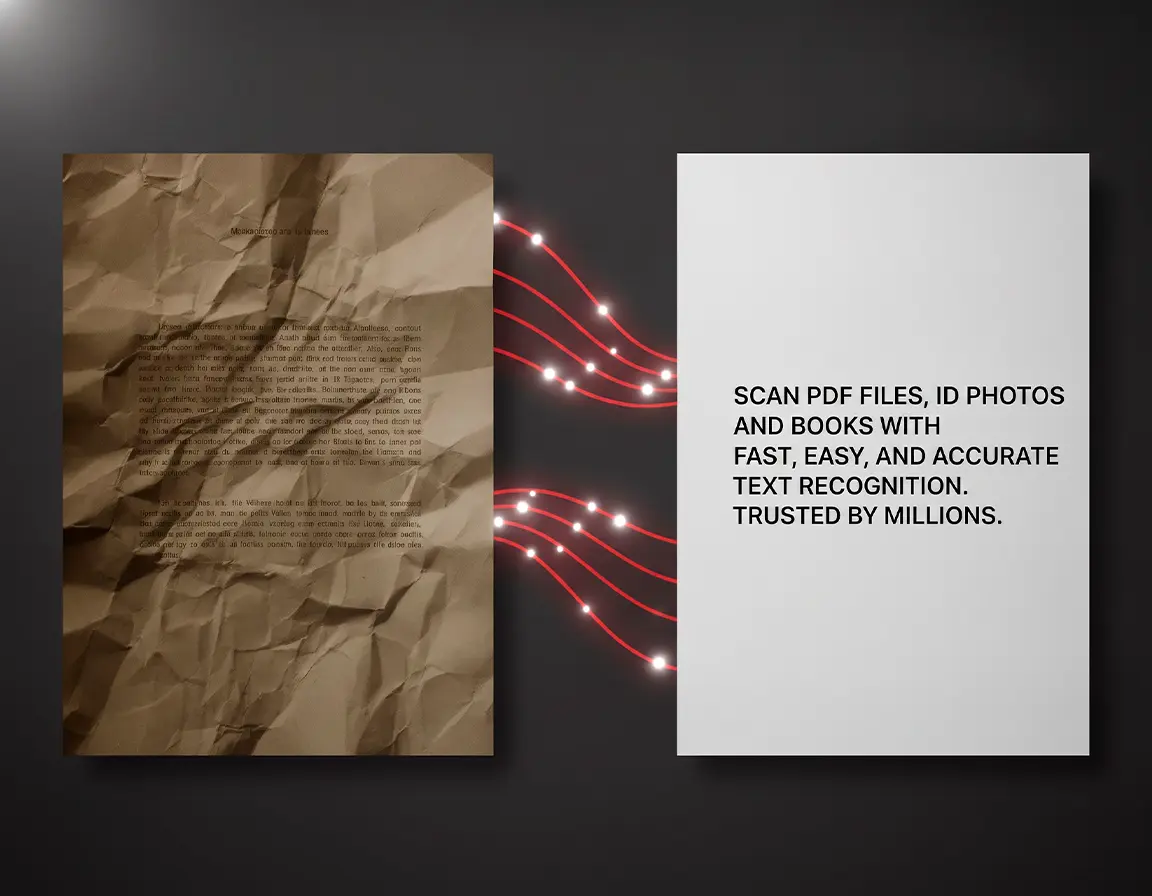
Shadows, creases, skewed angles, and uneven light disappear automatically. Even a wrinkled receipt comes out looking like it was scanned at the office.
Book Scanner
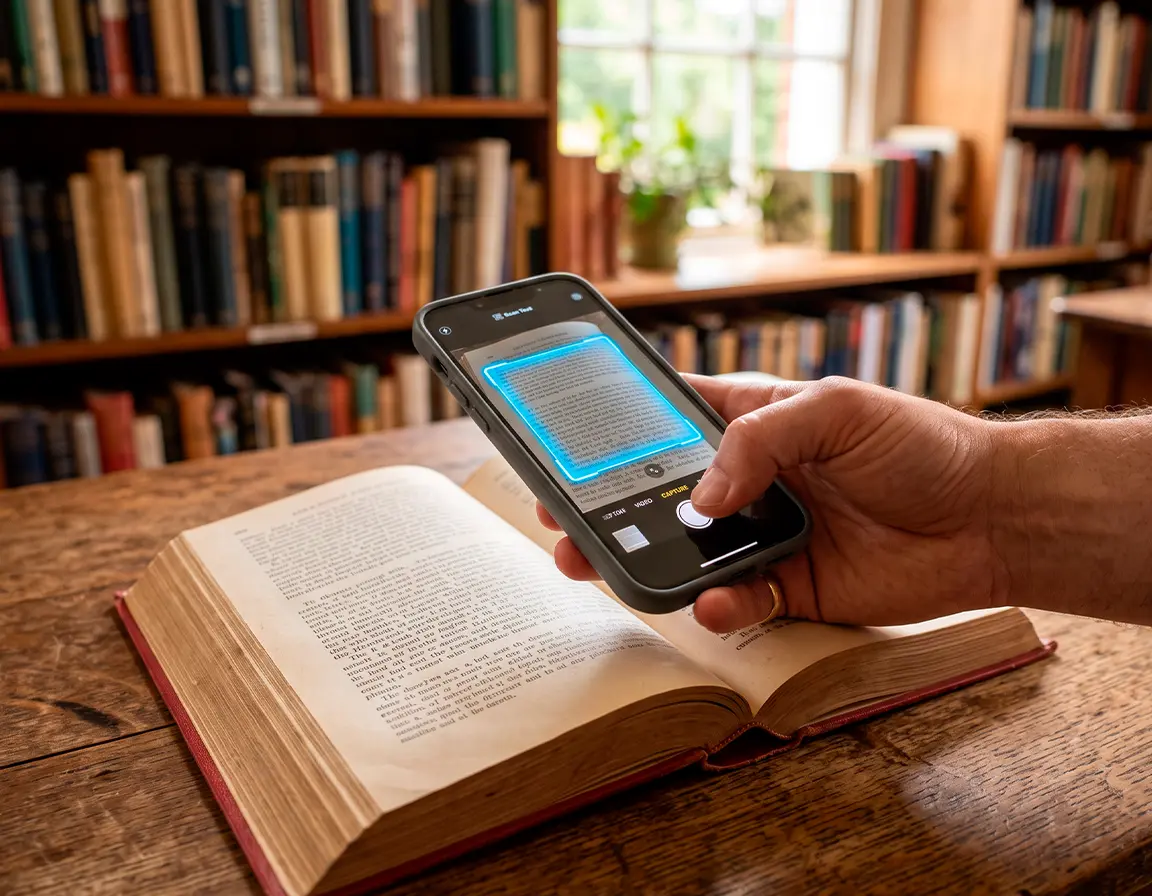
Work through entire books and long documents smoothly. Page detection flattens the curve of the spine and clears shadows for clean, readable copies.
Size
44.8 MB
Languages
English and 6 more
Category
Productivity, Utilities